Quillsmith Lite — on your phone
Write the book that occupies your thoughts.
Quillsmith drafts with you, remembers every character and promise, and tells you when chapter nine forgets what chapter two said.
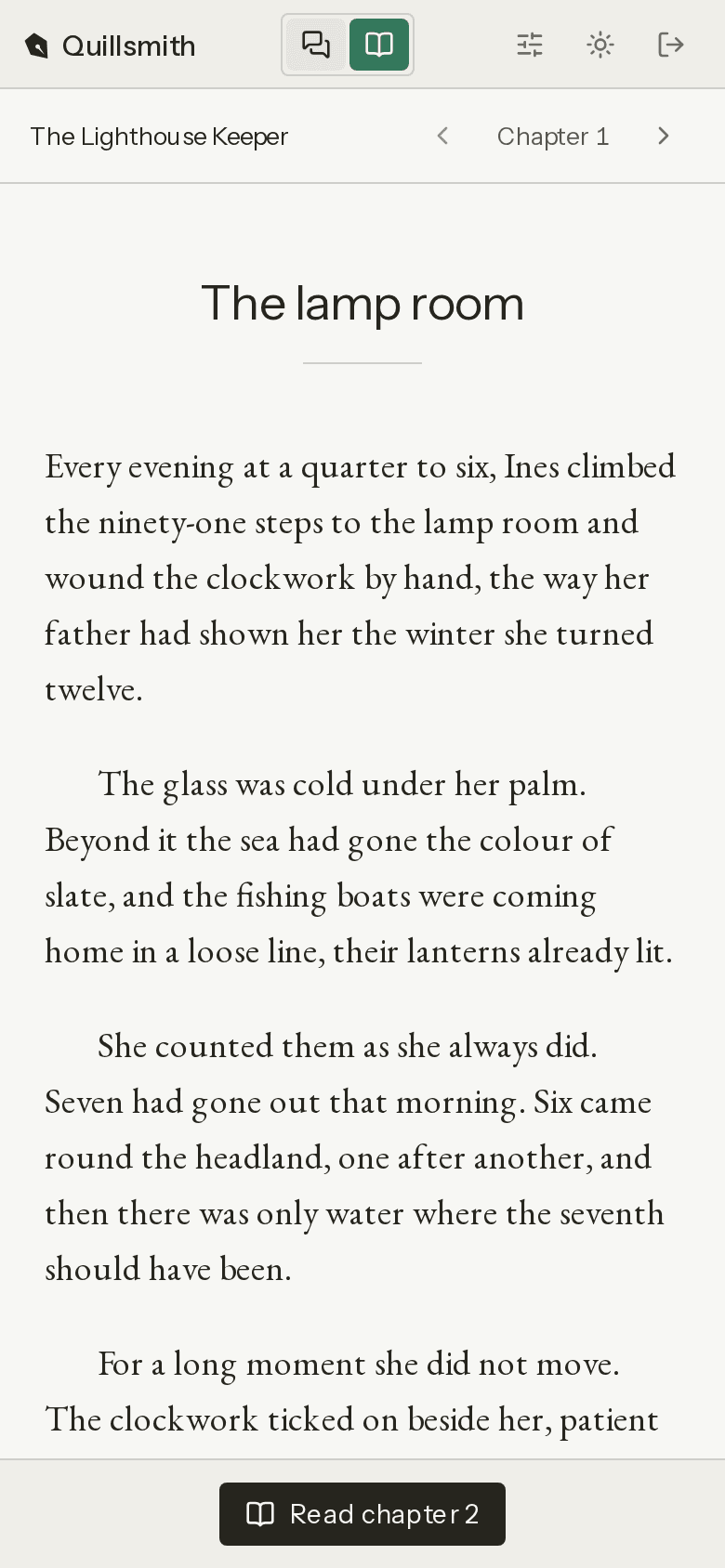
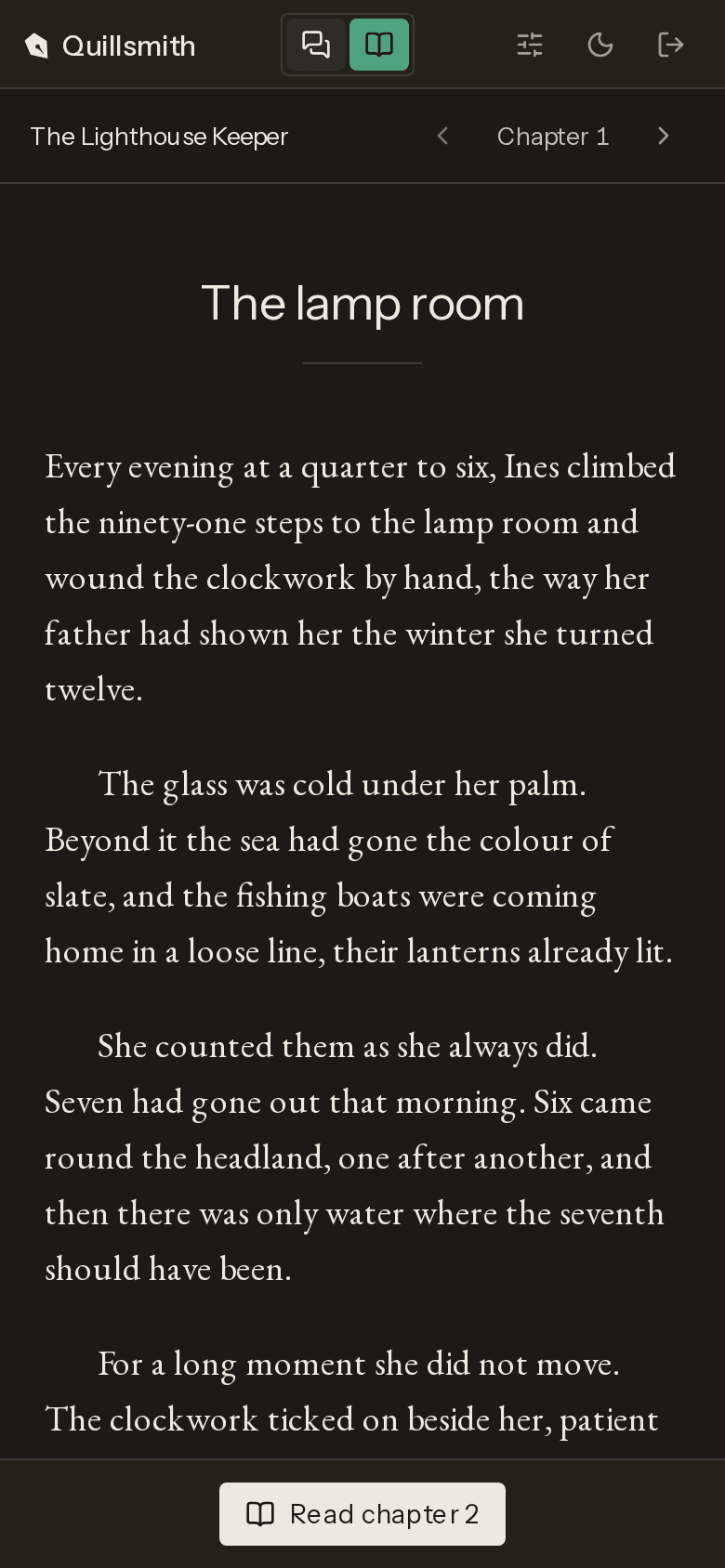
A chapter’s life
The same four steps, whether you wrote the words or asked the AI assistant for them.
01
You write
Write the chapter yourself, or tell the assistant what happens next, and decide what stays.
02
The world remembers
Every character, place and promise is drawn out of the manuscript as you write, with the paragraph it came from, so the assistant never forgets what chapter two said.
03
Findings, not red ink
When a chapter contradicts the world, you get one card with the quote, the reason and a fix to approve.
04
You decide the fix
Approve it and the chapter changes, with the old version kept. Ignore it and the world learns that this is how the story goes.
Pro, when the world grows
The same world opens in Pro on a laptop or a desktop, all of it beside the chapter: its books, chapters and entries, the findings, and every change you can walk back. Here you write by hand as well.
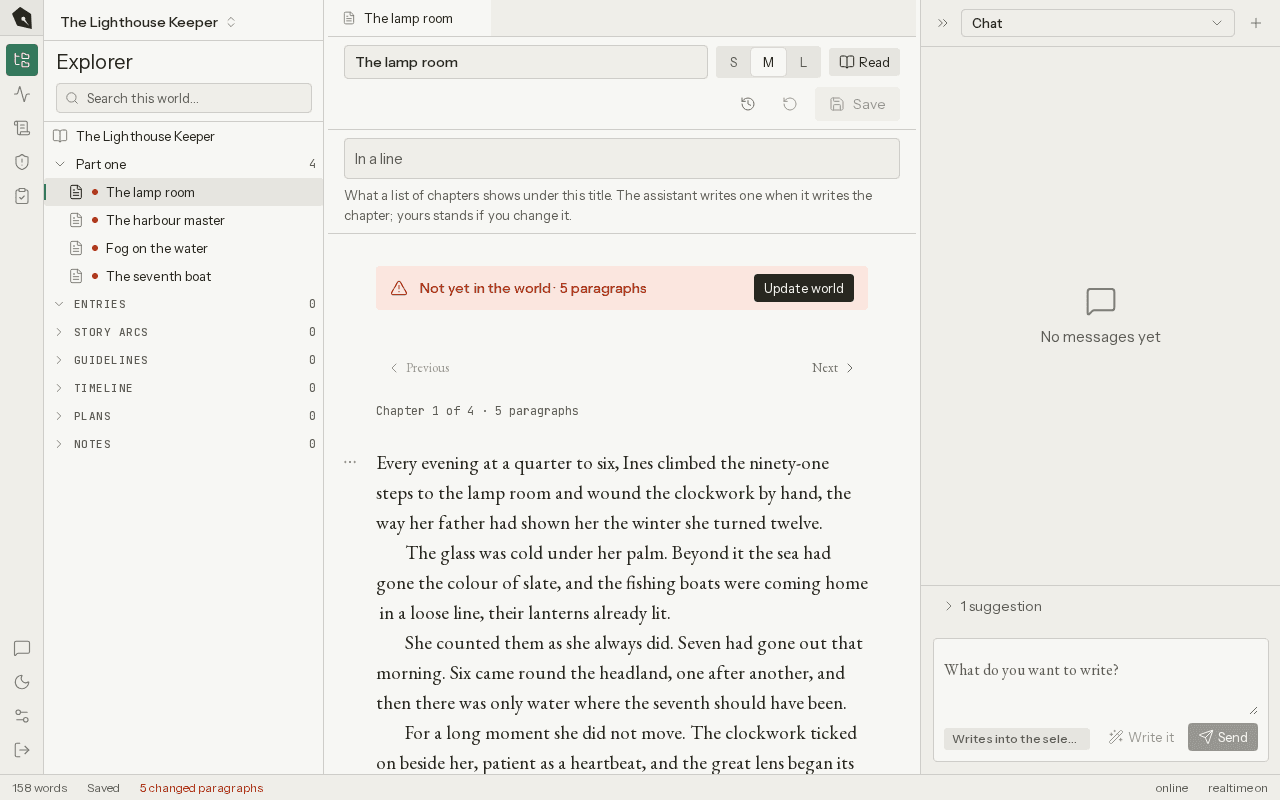
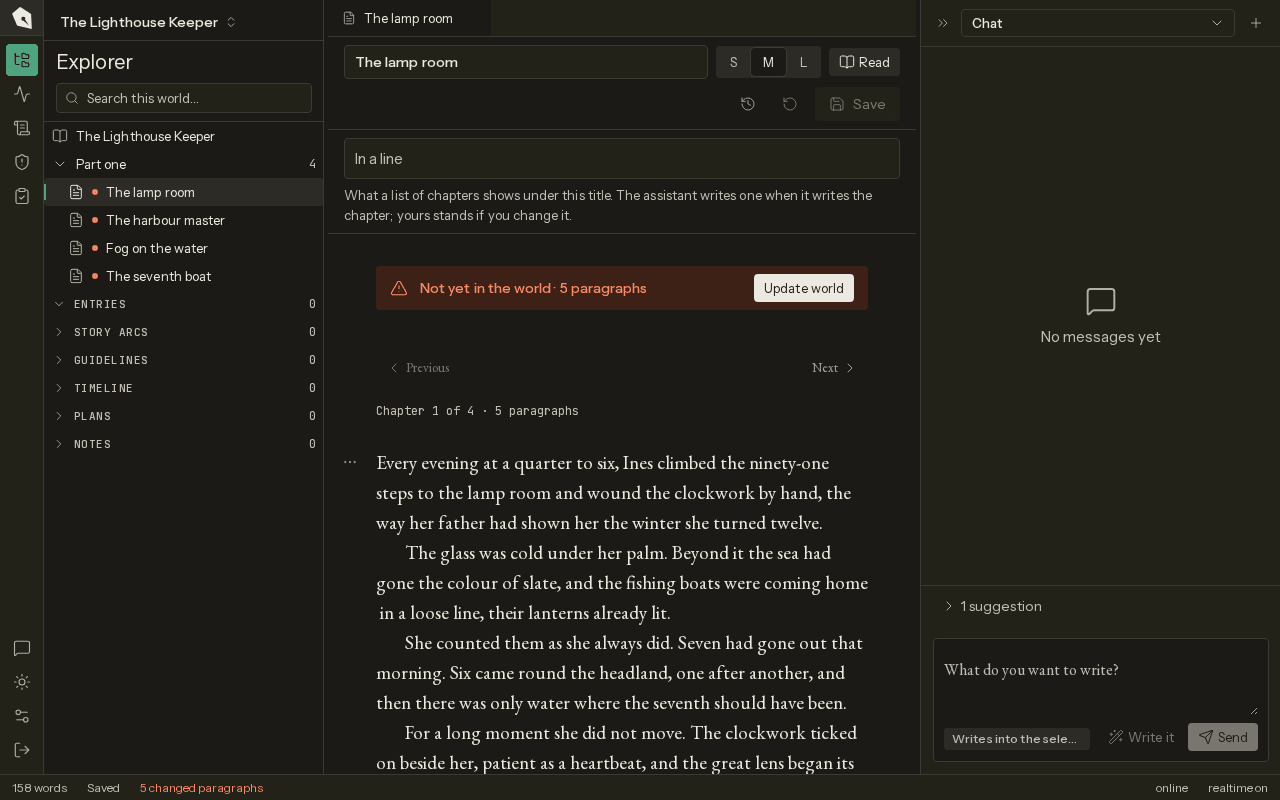
Three ways in, one book
The same account, the same world behind every door.
Read it
Lite. The book you want to read, written as you read it, one chapter at a time, for you and nobody else.
Write it
Pro. The whole world beside the chapter: the books, the findings, the history of every change. Write by hand, or hand a chapter to the assistant.
Bring your model
Write in the Claude or ChatGPT you already pay for. Quillsmith keeps the world: it hands your model what the chapter needs and takes the chapter back into the world. On every plan.
Start with one chapter.
Write it, or let the assistant write it, and keep what you like.